
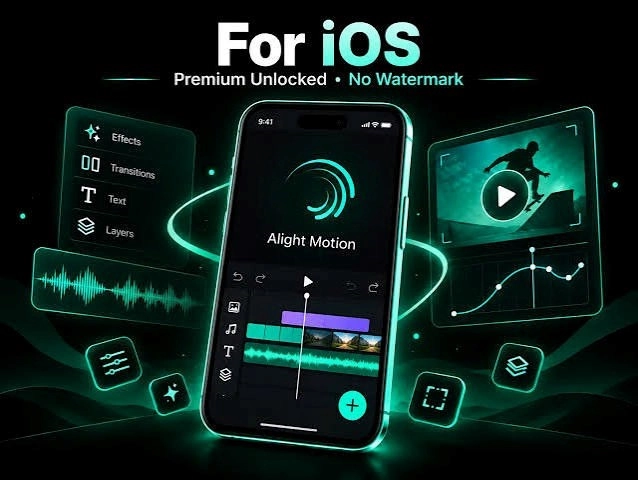
Alight Motion APK

Download Alight Motion APK
Alight Motion APK Download brings dynamic motion graphics, vector editing, and cinema-quality visual effects straight to your mobile device. Built for creators who demand flexibility, this feature-rich video editor offers precise keyframe control, multi-layer graphic support, and fluid animation capabilities. Users can easily craft engaging intro sequences, apply seamless transitions, and export high-definition content on the go. Whether you are editing viral social media videos or assembling complex animation projects, the application delivers a comprehensive digital studio experience with maximum performance and creative control.
Android Installation Guide
- Enable installation from unknown sources in your device’s security settings to allow third-party app packages.
- Tap the secure download button on the site to fetch the latest APK file to your internal storage.
- Locate the acquired file inside your mobile file manager and tap it to launch setup.
- Review all system permissions, then confirm installation to place the app on your home screen.
- Open the installed application and grant required media storage access to start editing videos.
PC Installation Guide
- Install a reliable Android emulator like BlueStacks or NoxPlayer onto your Windows or macOS computer.
- Launch the emulator software and sign in with your Google account to set up the Virtual Android environment.
- Download the current Alight Motion APK file directly to your desktop or downloads directory.
- Drag the file directly into the running emulator window to start the automated installation process.
- Click the application icon on the emulator desktop once complete to begin editing on a full screen.
iOS Installation Guide
- Launch the Apple App Store on your iPhone or iPad with an active internet connection.
- Type Alight Motion into the search bar and select the official app from the result list.
- Press the Get button to initiate the download process for your iOS device.
- Authenticate the app request using your Face ID, Touch ID, or Apple ID passcode.
- Launch the app directly from your home screen after installation finishes to start creating animations.
Conclusion
Alight Motion App Download offers an unbeatable suite of visual design and motion graphic tools tailored across all major operating platforms. Following these clean setup procedures for Android, PC, and iOS ensures immediate access to high-end editing power wherever inspiration strikes.